

PM SVANidhi (Pradhan Mantri Street Vendor’s AtmaNirbhar Nidhi) is a government scheme offering collateral-free loans to street vendors across India.
But many vendors struggle to access these funds. The application process feels confusing, and without proper guidance, getting the loan seems impossible.
Good news? Your Aadhaar card is a key document that simplifies everything.
The scheme provides loans up to ₹10,000 with interest subsidies, and timely repayment unlocks higher loan amounts.
This blog explains everything you need to know about the Aadhaar Card PM SVANidhi Yojana loan.
Including loan amount details, PM Aadhaar card loan eligibility, required documents, application steps, status checking, common problems, and how to upgrade your loan.
PM SVANidhi Loan Amount Details
The loan is given in 3 steps. You get the next loan only after paying the previous one on time.
First Loan
- Amount: ₹10,000
- Time to repay: 1 year (12 months)
- Interest help: Government gives 7% interest subsidy
- How to pay: Small amount every month
This is the starting loan for new vendors.
Second Loan
- Amount: ₹20,000
- Who can get it: After fully paying the first ₹10,000 loan
- Time to repay: 1 year
- Interest help: 7% subsidy again
This loan helps grow the business.
Third Loan
- Amount: ₹50,000
- Who can get it: After fully paying the second loan
- Time to repay: Up to 2 years
- Interest help: 7% subsidy
This is the largest loan under the scheme.
PM SVANidhi Loan (Eligibility & Documents Required)
To qualify under PM Aadhaar card loan eligibility, vendors must meet the scheme conditions and submit basic documents.
Aadhaar is the main identity document used to verify applicants under the Aadhaar Card PM SVANidhi Yojana loan.
| Eligibility Criteria | Documents Required |
|---|---|
| Must be a street vendor (cart, stall, roadside seller) | Aadhaar Card |
| Must be vending before 24 March 2020 | Certificate of Vending (CoV) or Letter of Recommendation (LoR) |
| Must be 18 years or older | Passport size photograph |
| Must have a valid Aadhaar-linked identity | Bank passbook or bank account details |
| Should not have defaulted on PM SVANidhi loan earlier | Mobile number (for OTP and updates) |
| Must have an active bank account | Address proof (if asked by bank) |
Key Points
- Only one proof is needed: CoV or LoR
- No collateral is required
- Aadhaar details must be correct and matching
How to Apply for PM SVANidhi Loan Using Aadhaar Card (Step-by-Step)
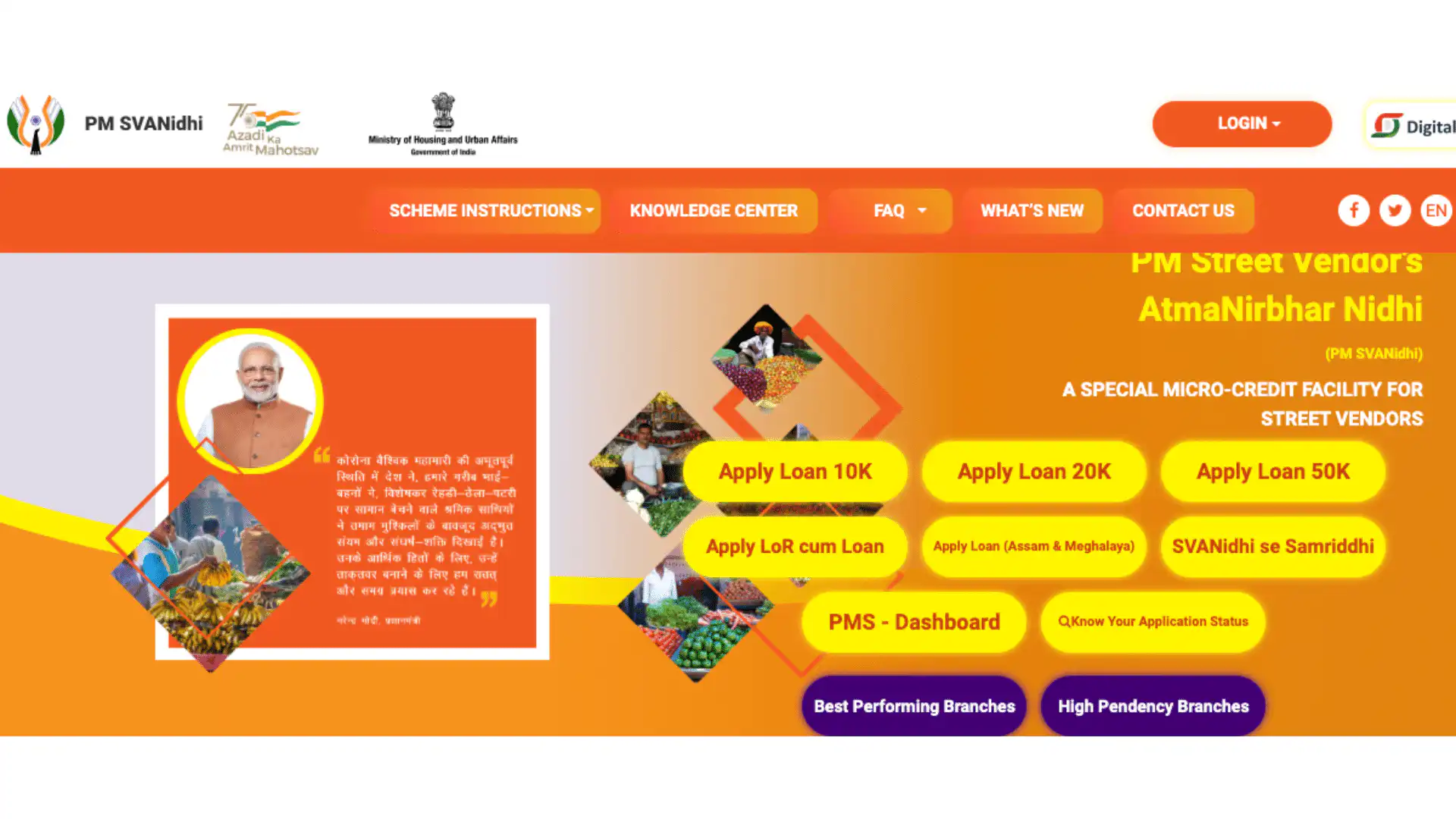
You can apply for the Aadhaar Card PM SVANidhi Yojana loan either online through the official website or offline through a bank or CSC.
Aadhaar-based OTP verification makes the process quick and secure.
Apply Online (Official Website)
You can apply for the PM SVANidhi loan online through the official government portal using your Aadhaar card and mobile number.
Step 1: Visit the Website
Head over to the official PM SVANidhi portal at pmsvanidhi.mohua.gov.in.
This is the government’s dedicated platform for street vendor loans, and it’s completely free to use.
Step 2: Choose “Apply for Loan.”
Once you’re on the homepage, look for the “Apply for Loan” button and click on it. From the options that appear, select “Vendor Loan” to start your application.
Step 3: Enter Aadhaar Details
You’ll be asked to enter your Aadhaar number along with your registered mobile number. An OTP will be sent to your phone for verification. Enter this OTP to proceed with your application.
Step 4: Check Vendor Status
The system will automatically check if your name appears in the registered vendor list. If your details are found, you can move forward.
But if not, don’t worry; you can still apply using a letter of recommendation from your local authority.
Step 5: Fill Application Form
Now fill in your personal details like name and address, followed by your business information and bank account details.
Make sure everything matches your documents to avoid rejection.
Step 6: Upload Documents
Upload clear copies of your Aadhaar card and either your Certificate of Vending or Letter of Recommendation.
Some applications may also ask for a passport-size photograph, so keep that ready.
Step 7: Select Bank
Choose your preferred bank, NBFC, or microfinance institution from the dropdown list. Once selected, review all the information you’ve entered and submit your application.
Step 8: Application Submitted
After submission, you’ll receive a unique application ID.
Save this ID safely, as you’ll need it to track your loan status and for future reference.
Apply Offline (Bank or CSC)
You can apply for the PM SVANidhi loan by visiting a nearby bank branch or CSC, where staff will help you complete the form and Aadhaar verification.
Step 1: Visit Nearby Bank or CSC
Find your nearest bank branch or Common Service Centre during working hours. CSCs can help if you need assistance with the application.
Step 2: Carry Documents
Bring your Aadhaar card, Certificate of Vending or Letter of Recommendation, bank passbook, and mobile phone.
Step 3: Fill the Form
The staff will help you fill out the PM SVANidhi form and complete Aadhaar OTP verification. Make sure your mobile number is active.
Step 4: Submit and Wait
After submission, the bank verifies your details. Once approved, the loan amount is transferred directly to your bank account, and you’ll get an SMS confirmation.
After Applying
- The bank verifies your details
- Loans are usually approved in a few days
- First loan amount: ₹10,000
Important Points to Remember
- Aadhaar must be valid and correct
- The mobile number should be active
- Only one loan at a time
- Repay on time to get higher loans later
How to Check PM SVANidhi Loan Application Status
You can easily track your Aadhaar Card PM SVANidhi Yojana loan application using your registered mobile number or application ID on the official website.
- Visit pmsvanidhi.mohua.gov.in
- Click on Check Application / Loan Status
- Enter your registered mobile number or application ID
- Enter the OTP sent to your mobile
- View your application status on the screen
Status Meaning
- Under Process: Bank is checking details
- Approved: Loan will be credited soon
- Rejected: Contact bank for reason
Common Problems & Rejection Reasons (And How to Fix Them)
1. Aadhaar details do not match
Fix: Check name, date of birth, and photo in Aadhaar. Update Aadhaar if needed and apply again.
2. Mobile number not linked or inactive
Fix: Use an active mobile number linked with Aadhaar for OTP verification.
3. No valid vending proof
Fix: Get a Certificate of Vending (CoV) or apply for a Letter of Recommendation (LoR) from the local authority.
4. Bank account issues
Fix: Ensure the bank account is active and details are entered correctly. Link Aadhaar with the bank account if required.
5. Already taken PM SVANidhi loan
Fix: Fully repay the earlier loan first, then apply for the next loan amount.
6. Wrong or incomplete application details
Fix: Recheck all personal, business, and bank details before submitting the form.
7. Not eligible as per scheme rules
Fix: Make sure you were vending before 24 March 2020 and meet all eligibility conditions.
How to Upgrade PM SVANidhi Loan from ₹10,000 to ₹50,000
Timely repayment of your Aadhaar Card PM SVANidhi Yojana loan is the key to upgrading. Each loan level builds your credit history and eligibility for higher amounts.
- Repay ₹10,000 Loan: Pay all monthly installments on time and close the first loan fully.
- Apply for a ₹20,000 Loan: After full repayment, apply through the PM SVANidhi portal, bank, or CSC.
- Repay the ₹20,000 Loan: Make timely monthly payments and close the second loan.
- Apply for a ₹50,000 Loan: After repaying ₹20,000, apply for the final loan of ₹50,000.
- Approval & Credit: The Bank checks repayment history and credits the amount to your bank account.
Conclusion
Getting a PM SVANidhi loan is straightforward with your Aadhaar card. Keep your documents ready, ensure details match, and apply online or offline—whichever works for you.
Timely repayment unlocks bigger loans and builds your credit. Thousands of vendors are already benefiting from this scheme.
Ready to grow your business? Visit the PM SVANidhi portal or your nearest bank today and apply now!