


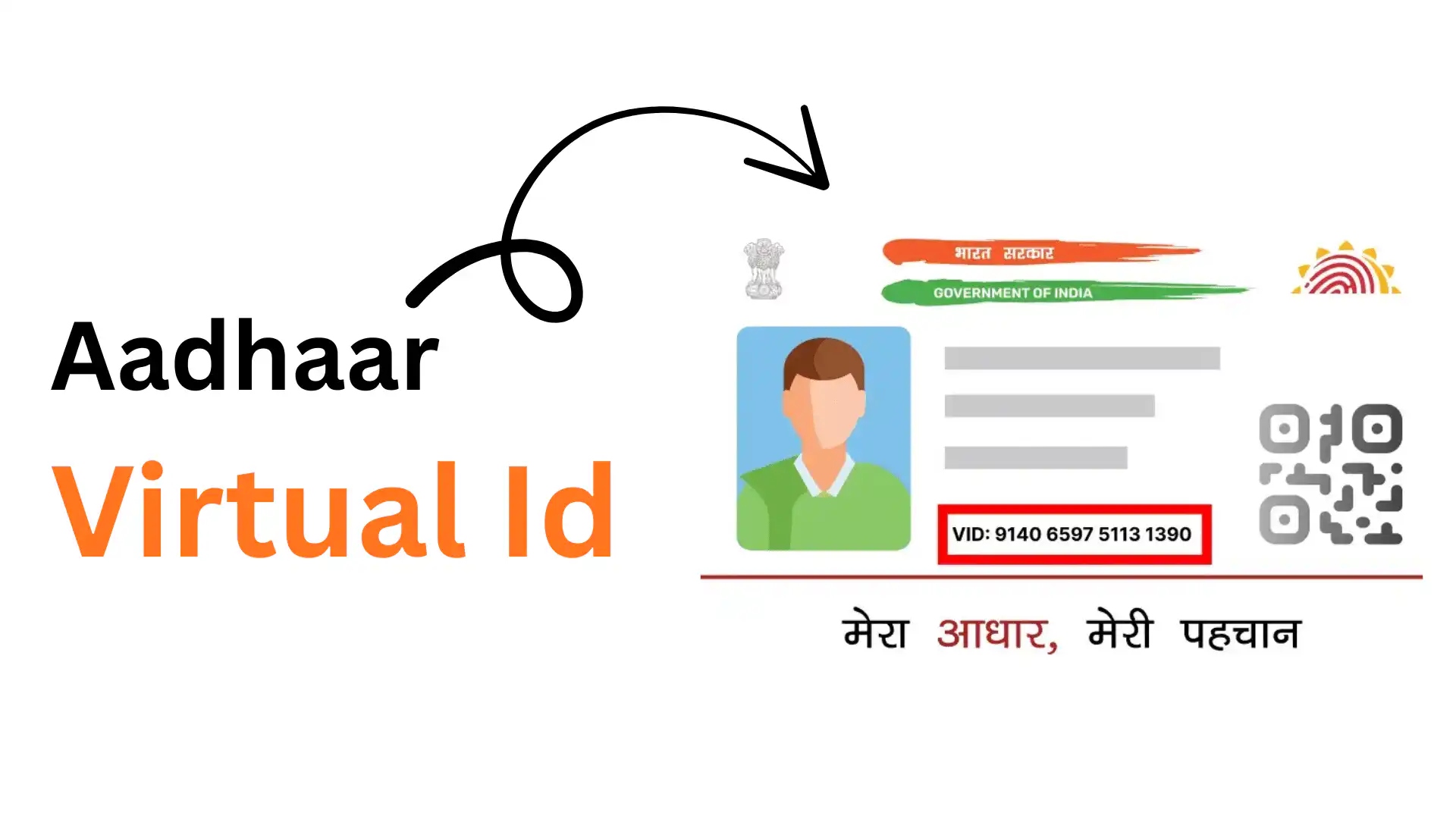
Your Aadhaar number is crucial for banking, taxes, and government services. But sharing it repeatedly can lead to misuse and privacy risks.
That’s where VID (Virtual ID) helps.
VID is a temporary 16-digit number that works like Aadhaar for verification, without revealing your actual number.
It’s free, secure, and easy to generate.
In this blog, you’ll learn what is VID number, how to create it, and why it’s essential for protecting your Aadhaar privacy.
Why Was VID Introduced by UIDAI?
A VID (Virtual ID) is a temporary 16-digit number issued by UIDAI that is linked to your Aadhaar number.
It can be used instead of Aadhaar for identity verification and e-KYC to keep your Aadhaar number private.
VID was introduced to protect your Aadhaar privacy and prevent misuse. Here’s why it matters:
Since Aadhaar is a permanent number, sharing it too often increases security risks. VID solves this by letting you verify your identity without revealing your actual Aadhaar number. You can regenerate it anytime, giving you full control. Plus, it makes e-KYC safer by reducing unnecessary Aadhaar sharing.
Key Features of Aadhaar VID
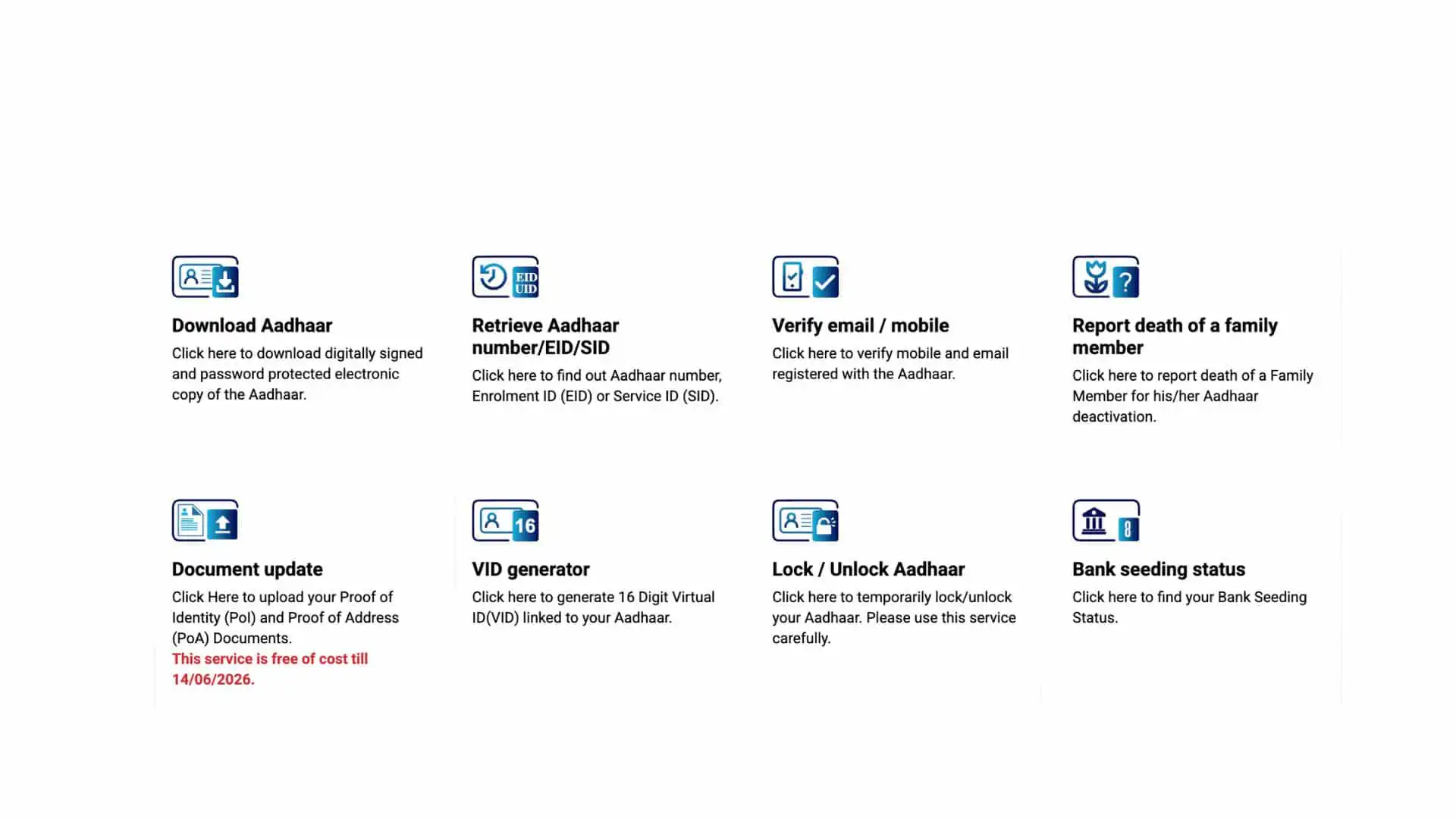
VID offers several important features that make it a secure alternative to sharing your Aadhaar number:
- Temporary and Revocable: You can generate a new VID whenever needed. Once you create a new one, the old VID becomes invalid automatically.
- 16-Digit Unique Number: Each VID is a unique 16-digit code that’s mapped to your Aadhaar but doesn’t reveal the actual number.
- Works Like Aadhaar: You can use VID for authentication and e-KYC services just like you would use your Aadhaar number.
- Free to Generate: Creating or regenerating a VID is completely free through the UIDAI portal or mAadhaar app.
- Enhanced Privacy: Since VID doesn’t expose your Aadhaar number, it protects your identity from potential misuse or data breaches.
- Easy Retrieval: If you forget your VID, you can retrieve it anytime using your Aadhaar number and registered mobile number.
VID vs Aadhaar Number
| Feature | VID (Virtual ID) | Aadhaar Number |
|---|---|---|
| Number length | 16 digits | 12 digits |
| Nature | Temporary & changeable | Permanent |
| Issued by | UIDAI | UIDAI |
| Purpose | Secure identity verification | Official unique identity |
| Can be shared safely | Yes (recommended) | No (avoid sharing) |
| Used for e-KYC | Yes | Yes |
| Privacy level | High | Lower if shared widely |
| Regenerable | Yes, anytime | No |
| Printed on Aadhaar card | No | Yes |
Use VID for day-to-day verification and e-KYC to protect privacy. Use your Aadhaar number only when absolutely required.
How to Generate VID Number (Step-by-Step)
You can generate your VID in three simple ways. Choose the one that works best for you:
Option 1: UIDAI Website
- Visit the UIDAI portal and go to Aadhaar Online Services → Virtual ID (VID) Generator.
- Enter your 12-digit Aadhaar number.
- Fill in the captcha and click Send OTP.
- Enter the OTP sent to your registered mobile number.
- Click Generate VID or Retrieve VID to get your 16-digit VID.
Option 2: mAadhaar App
- Open the mAadhaar app and log in.
- Tap on VID Generator.
- Select your Aadhaar profile and verify with OTP if prompted.
- Tap Generate VID to view your 16-digit VID instantly.
Option 3: SMS (Send to 1947)
- From your registered mobile number, type:
VID: space and Your 12-digit Aadhaar number - Send the message to 1947.
- You’ll receive your VID via SMS within a few seconds.
Your mobile number must be registered with Aadhaar to generate a VID using OTP or SMS.
Only one VID is active at a time; generating a new VID automatically deactivates the previous one.
Where Can VID Be Used?
Now you know what is vid number. Let’s find out how you can use your VID anywhere Aadhaar authentication or e-KYC is required, without sharing your actual Aadhaar number.
Common Uses of VID
- Banking & Financial Services: Open a new account or update your KYC details securely.
- Mobile SIM Verification: Activate a new SIM or complete re-verification without exposing your Aadhaar.
- Government Services & Schemes: Access subsidies, welfare programs, and other government benefits.
- Insurance & Mutual Funds: Complete customer verification and policy applications.
- Digital KYC (e-KYC): Authenticate your identity online for various services.
Things to Keep in Mind
- VID is for verification only: It works for authentication and e-KYC but cannot be used as a physical ID card.
- The service provider must support it: Not all organizations accept VID yet, though UIDAI encourages its adoption.
- Better privacy protection: Using VID instead of Aadhaar reduces the risk of your permanent number being misused.
Use VID for everyday verification to keep your Aadhaar number safe and private.
Common Myths About VID
Let’s clear up some common misconceptions about Aadhaar VID:
1. VID replaces Aadhaar
Reality: VID is an alternative for verification, not a replacement. Your Aadhaar remains your primary ID.
2. VID expires
Reality: VID never expires. It stays valid until you generate a new one.
3. VID costs money
Reality: Generating a VID is completely free through UIDAI’s portal, app, or SMS.
4. VID works as physical ID proof
Reality: VID is only for digital authentication and e-KYC, not as a physical document.
5. All services accept VID
Reality: Not all organizations support VID yet, though UIDAI encourages its adoption.
6. You can have multiple active VIDs
Reality: Only one VID can be active at a time. A new one cancels the old one automatically.
7. VID exposes your Aadhaar number
Reality: VID protects your privacy. It’s linked to Aadhaar internally but never reveals your actual number.
VID is free, secure, and designed to protect your Aadhaar privacy.
Conclusion
VID is a simple yet powerful tool that helps you protect your Aadhaar privacy.
By using VID instead of your actual Aadhaar number for verification and e-KYC, you reduce the risk of misuse and keep your personal information secure.
Generating a VID is free and takes just a few minutes through the UIDAI website, mAadhaar app, or SMS.
You can regenerate it anytime for added security.